Quickstart
Here’s a quick getting started to using Structurizr local via the pre-built Docker image, and assumes that you have Docker installed.
1. Create a directory
First you need to create a directory somewhere to store your workspace. We’ll refer to this directory as the “Structurizr data directory”.
2. Start Structurizr
You can now start Structurizr with the following commands, replacing PATH with the path to your Structurizr data directory:
docker pull structurizr/structurizr
docker run -it --rm -p 8080:8080 -v PATH:/usr/local/structurizr structurizr/structurizr local
For example, if your Structurizr data directory is located at /Users/simon/structurizr, the command would be:
docker pull structurizr/structurizr
docker run -it --rm -p 8080:8080 -v /Users/simon/structurizr:/usr/local/structurizr structurizr/structurizr local
3. Open your web browser
With Structurizr running, you can head to http://localhost:8080 in your web browser, where you should see the workspace summary page:
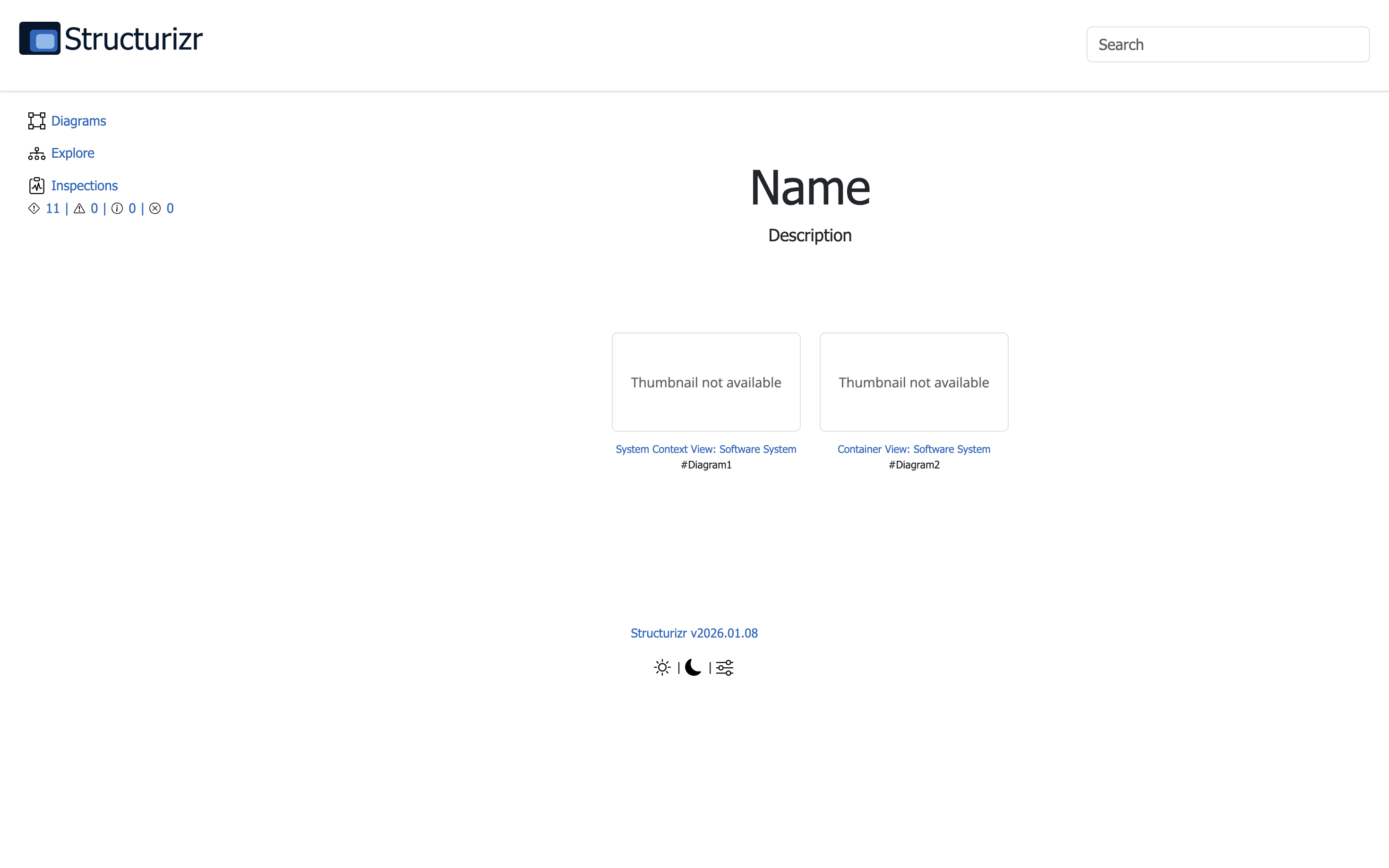
At startup, Structurizr created a file named workspace.dsl in your Structurizr data directory as a starting point. This is a Structurizr workspace, defined using the Structurizr DSL.
Clicking the “Diagrams” link (or clicking on a diagram thumbnail) will take you to the diagram viewer:
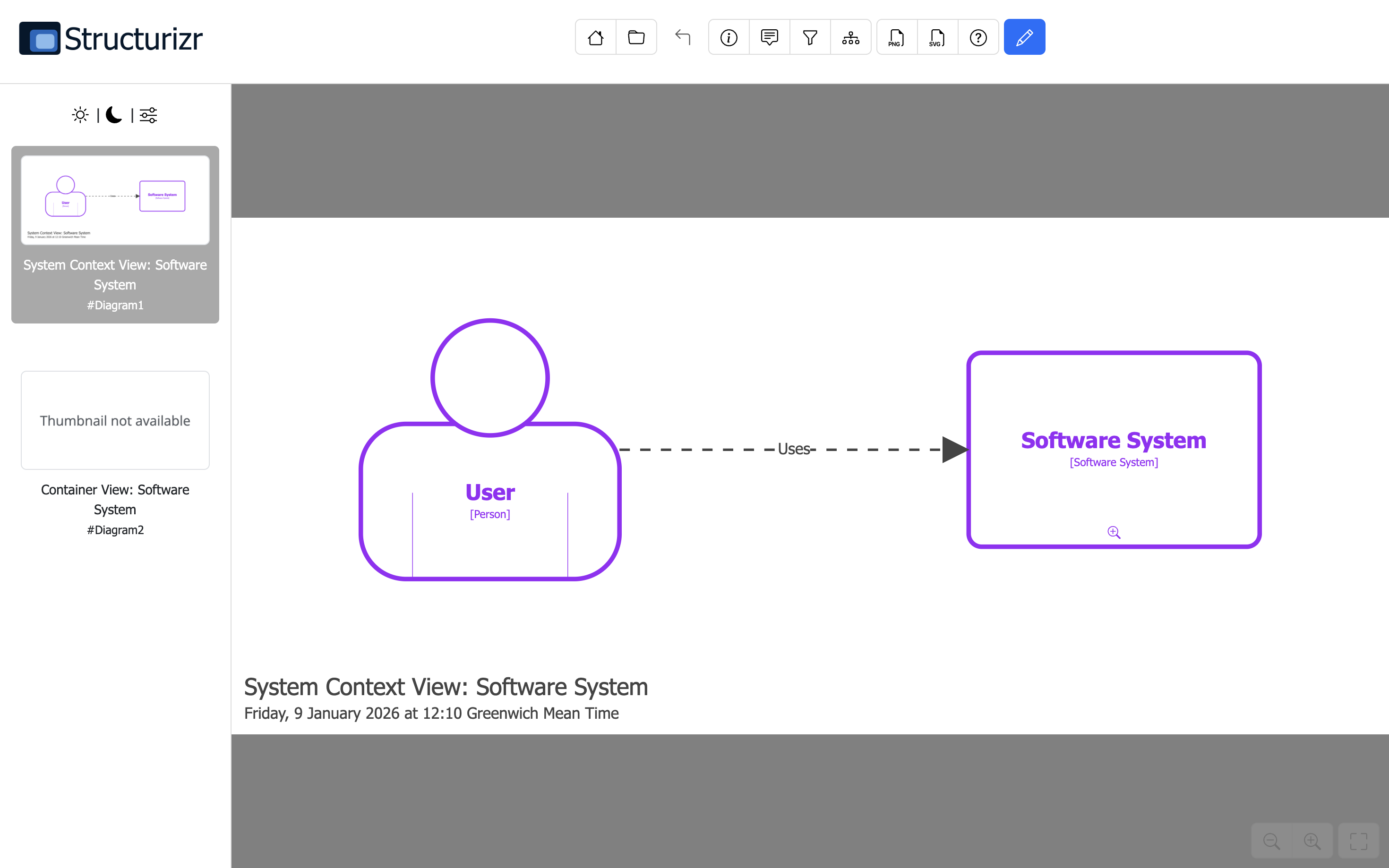
You can then click the pencil button to open the diagram editor, where you can modify the diagram layout:
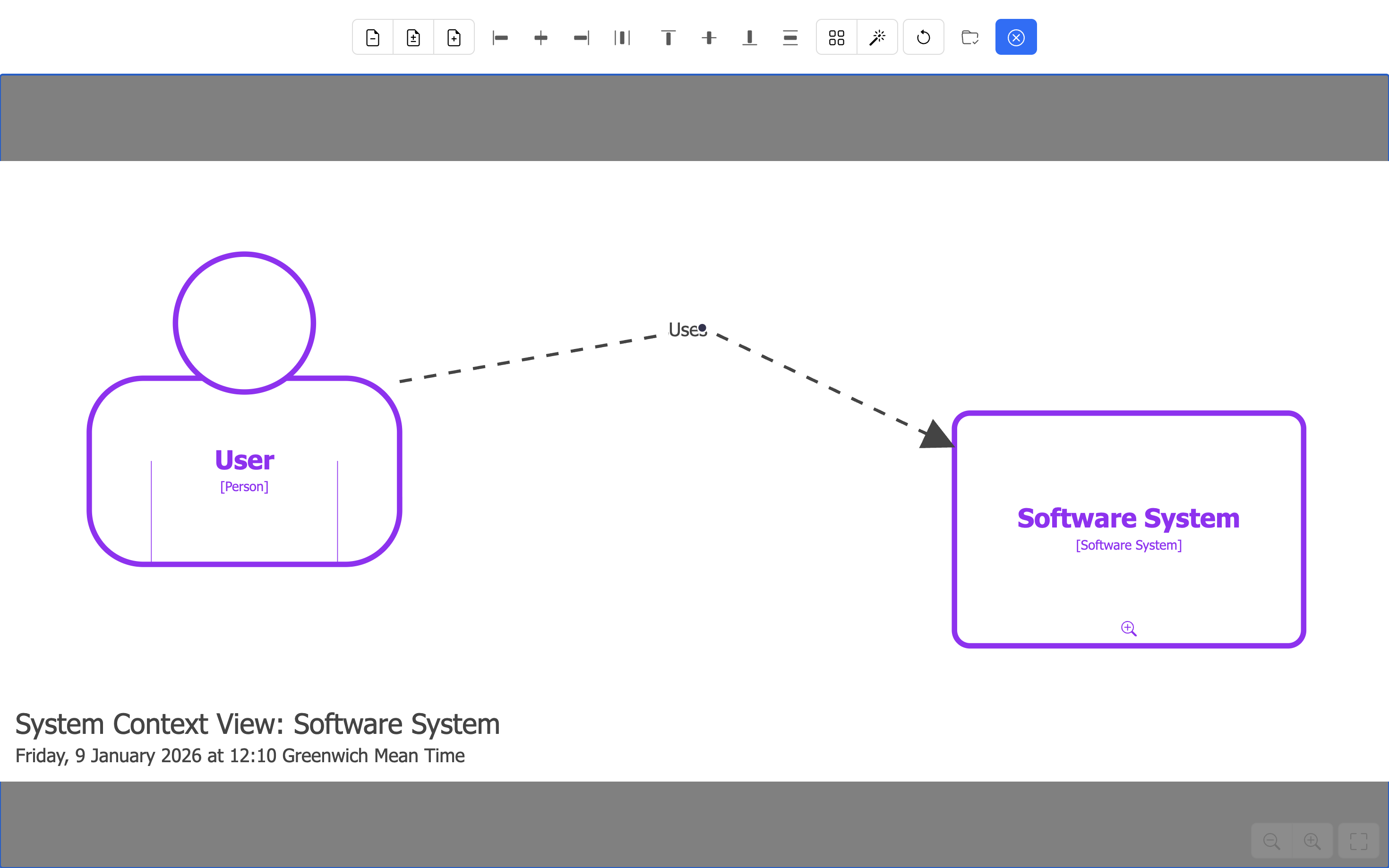
Any layout changes that you make will be auto-saved every few seconds.
4. Make some changes
You can now modify the workspace.dsl file, save the changes, and refresh your web browser to see those changes.
Links
Some useful links related to the DSL are: