playground
The free and open source Structurizr playground provides a standalone DSL playground that can be used to create diagrams and experiment with the DSL. An instance of this is running at playground.structurizr.com to use/try.
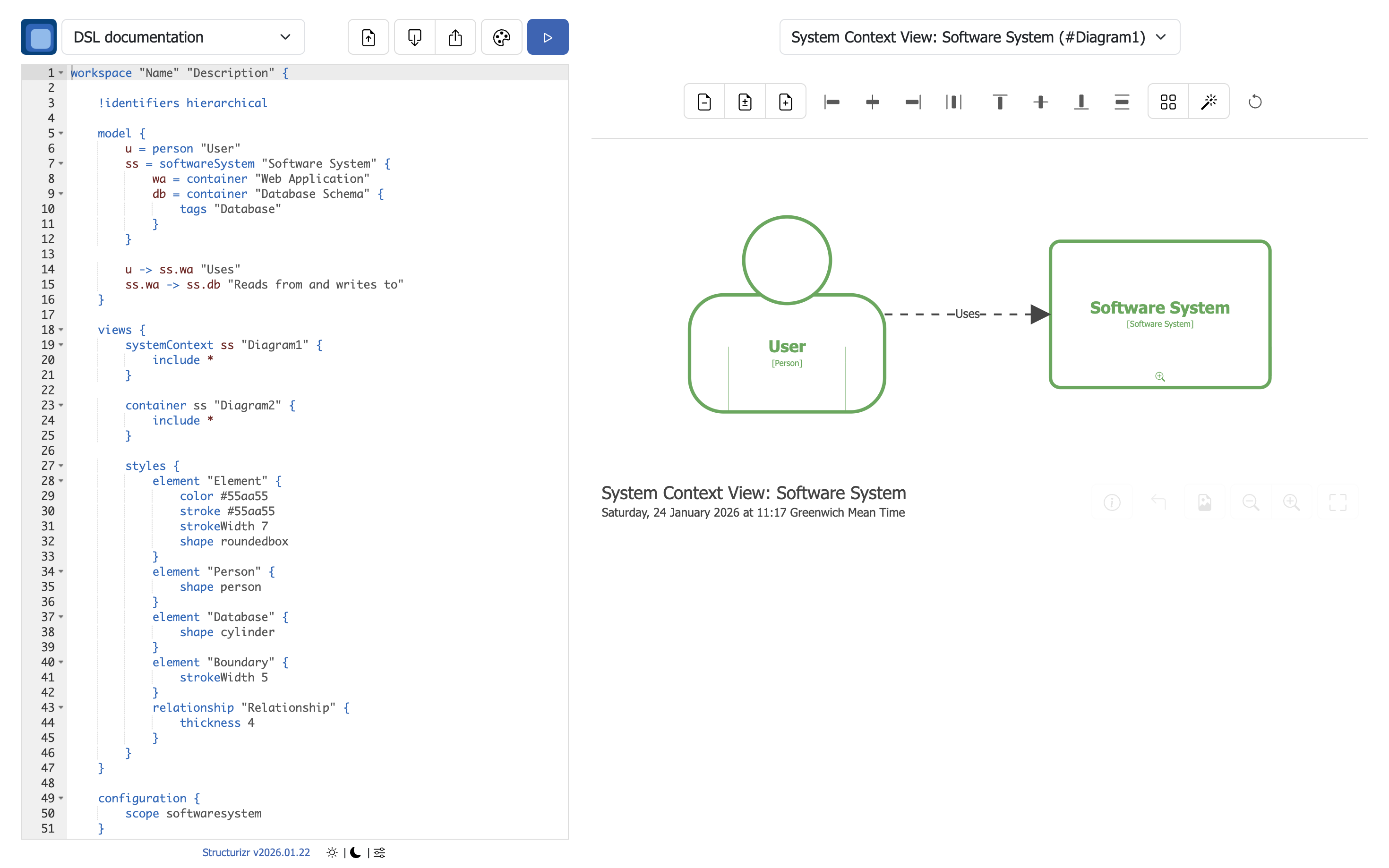
Quickstart
To start the Structurizr playground via the pre-built Docker image (assuming that you have Docker installed):
docker pull structurizr/structurizr
docker run -it --rm -p 8080:8080 structurizr/structurizr playground
Port number
Port 8080 is used by default, but can be changed as follows if you are using the Docker image:
docker run -it --rm -p 9090:9090 -e PORT=9090 structurizr/structurizr playground
And with the Java .war file:
java -Dserver.port=9090 -jar structurizr.war playground
Themes
The full selection of prebuilt themes is bundled into the Docker image. To use them, start the playground with an additional environment variable as follows:
-e STRUCTURIZR_THEMES=/usr/local/structurizr-themes
Features
 Upload a DSL file from your computer
 Load DSL from browser local storage
 Save DSL to browser local storage
 Open theme browser
 Parse DSL and render diagrams